iPhone limits that are harder to ignore
7 Best Apple Screen Time Alternatives for iPhone in 2026
Apple can show you exactly where the time went. The harder part is stopping your thumb from approving another fifteen minutes.
Apple Screen Time is useful, free, and already on your phone. It reports app use, supports Downtime and App Limits, and can lock settings behind a passcode. For a child whose parent holds that passcode, it can be plenty. For an adult setting their own limit, the same person builds the fence and keeps the gate key.
That is why the best Apple Screen Time alternative is not simply another dashboard. It should change the moment you usually tap Ignore Limit. You may need a reward, a deliberate pause, a stricter session, a rule that follows you to your computer, or a physical action that makes changing your mind annoying enough to notice.
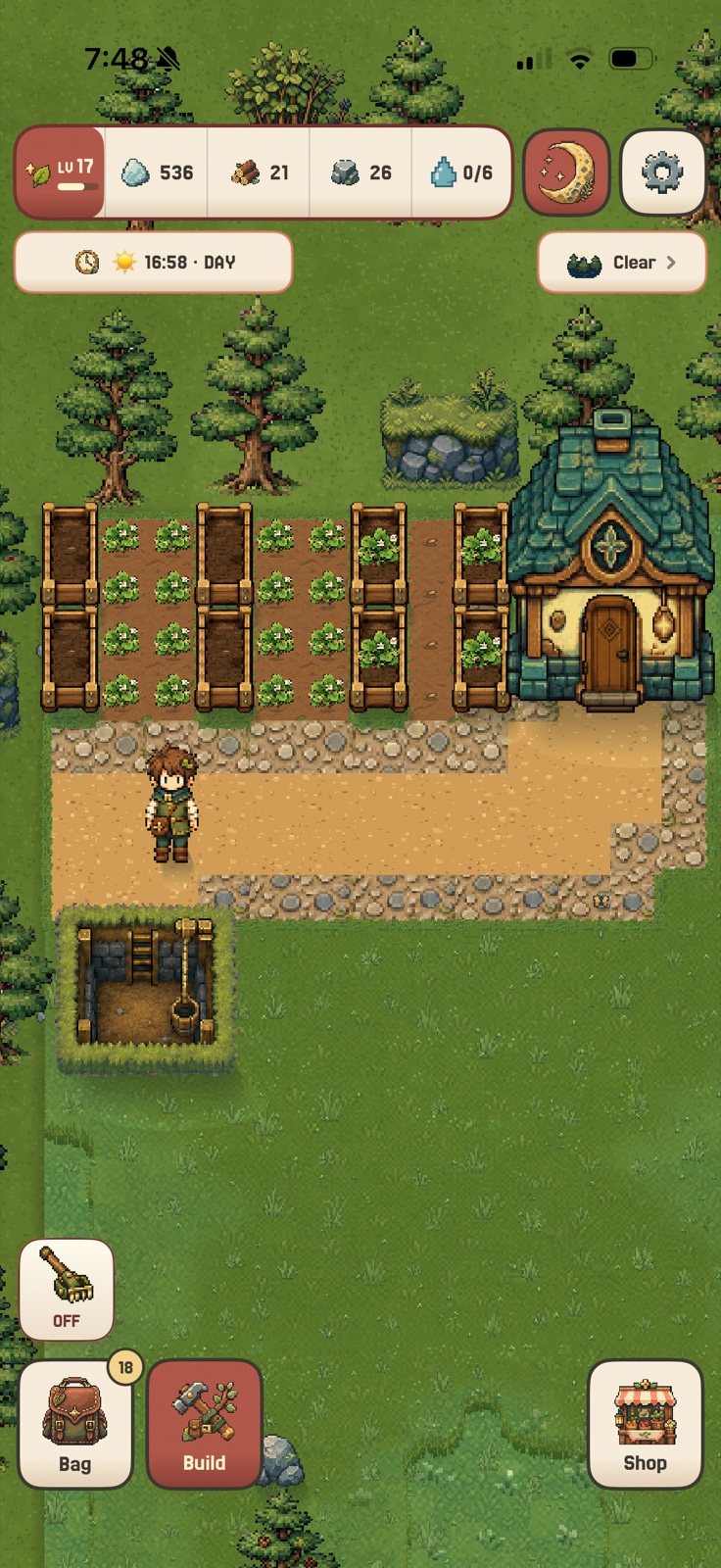
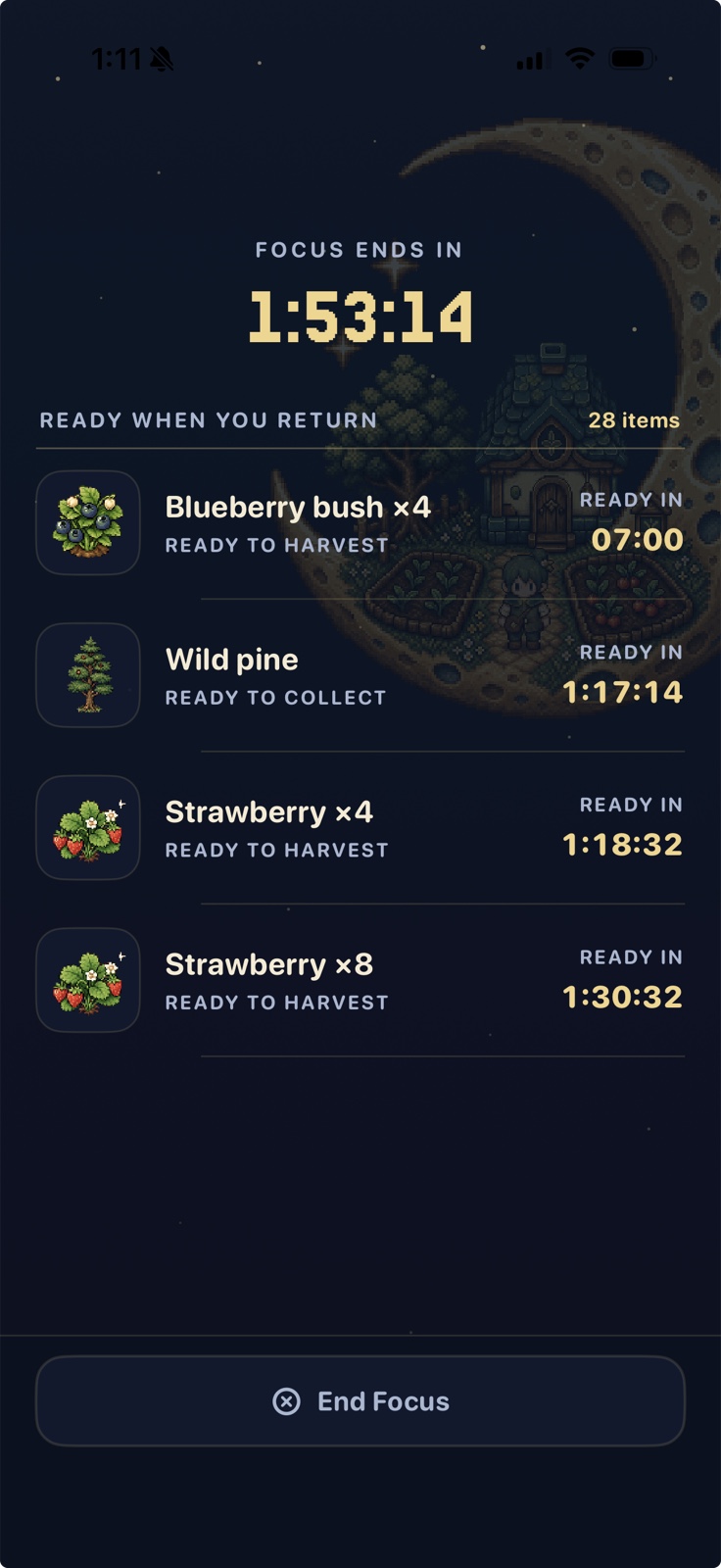
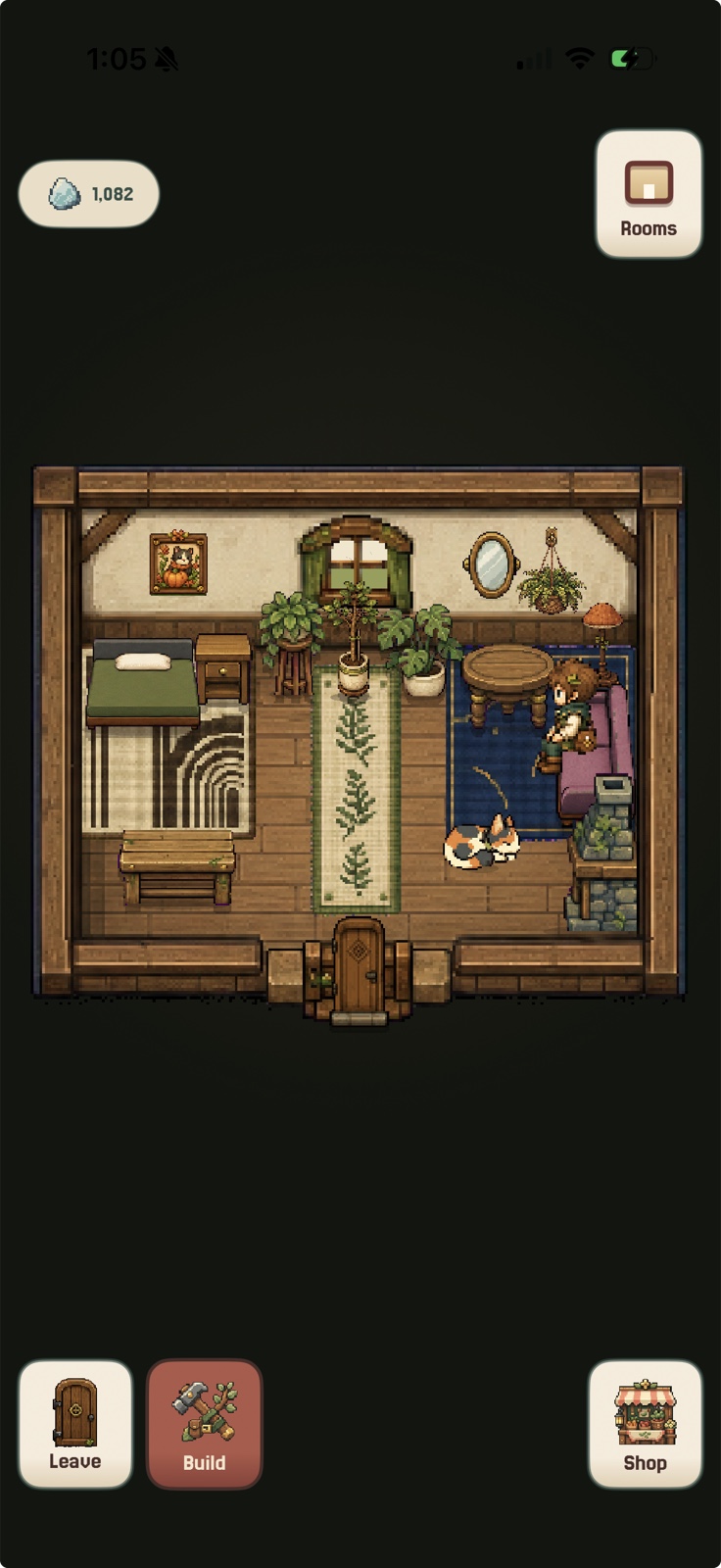
Actual in-game captures from StillAcre on iPhone.
At a glance
Apps that are better than Apple Screen Time for self-control
StillAcre is the best overall Apple Screen Time alternative when you already understand the limit but need a reward for keeping it. The other options are better for free opening friction, detailed rules, Apple routines, cross-device blocking, or a physical unlock.
| Alternative | Best for | What changes | Main tradeoff |
|---|---|---|---|
| 1 StillAcre | Positive motivation | Focus time grows a world | Built around sessions |
| 2 ScreenZen | Free customization | Pauses, prompts, open limits | More setup |
| 3 Opal | Polished control | Sessions, limits, reports | Best controls are paid |
| 4 Jomo | Apple routines | Rules across iPhone and Mac | Many options to learn |
| 5 one sec | Reflexive opening | A pause before entry | Friction can fade |
| 6 Freedom | Every device | Synced blocklists | More system than some need |
| 7 Brick | Physical commitment | Unlock moves off-phone | Requires hardware |
Features were checked against official product information on August 27, 2026. Plans and platforms can change.
Want a narrower comparison? See the best Opal alternatives, best ScreenZen alternatives, and best one sec alternatives.
The full list
The 7 best alternatives to Apple Screen Time
Best overall for a positive reward
StillAcre
StillAcre lets you shield the distracting apps and websites you choose during a focus session. Every minute you keep the boundary grows crops, finishes work, and advances one persistent farming world.
Screen Time tells you that Instagram took 84 minutes. StillAcre is for the next part, when you want those minutes to feel like they went somewhere better. It replaces a little of the feed's instant reward instead of asking pure restraint to do all the work.
Best free customizable alternative
ScreenZen
ScreenZen can slow an app opening, ask why you are entering, cap opens, and create different rules for different parts of the day. It is much closer to a behavior toolkit than Apple's one-size App Limit alert.
Choose it if: You want more control without making a subscription your first experiment.
Visit ScreenZenBest polished limit system
Opal
Opal adds focus sessions, schedules, time limits, open limits, blocking difficulty, and clearer progress feedback. It is the most direct upgrade when you like the idea of Screen Time and mainly want a more serious version of it.
Choose it if: You want reports and multiple kinds of limits in one polished app.
Visit OpalBest calm Apple-first routines
Jomo
Jomo combines sessions, limits, routines, and stricter locks across iPhone and Mac. It works well when your problem is not one daily number but the shape of the day: no social apps before breakfast, fewer interruptions while working, and a quieter evening.
Choose it if: You want limits to follow real routines across Apple devices.
Visit JomoBest for automatic app opening
one sec
one sec focuses on the instant before a distracting app opens. A short intervention can be enough to reveal that you never meant to be there. That makes it a cleaner answer when the problem is reflex, not a planned hour of use.
Choose it if: Your thumb opens the app before the decision arrives.
Visit one secBest cross-device alternative
Freedom
Freedom can run one blocklist across iPhone, Android, Mac, Windows, and Chrome devices. Apple Screen Time loses the plot when you put the phone down and open the same distraction on a laptop. Freedom is built for that exact handoff.
Choose it if: The distraction follows you from pocket to desk.
Visit FreedomBest physical alternative
Brick
Brick uses a physical device to activate and release selected app blocks. Put it across the room or leave it at home and changing the rule now requires movement, not one more tap on the same screen.
Choose it if: Any override kept on the phone eventually becomes too convenient.
Visit BrickChoose by the escape hatch
Why do your current iPhone limits fail?
The limit feels empty
StillAcre gives protected time somewhere visible to go.
You tap Ignore Limit
Opal or AppBlock-style strictness makes that decision harder.
You open without thinking
one sec or ScreenZen interrupts the reflex.
Your day needs routines
Jomo builds rules around mornings, work, and nights.
You switch devices
Freedom carries the boundary onto the computer.
You change every rule
Brick moves the override out of immediate reach.
My honest recommendation: Keep Apple Screen Time for the reporting even if another app handles the intervention. It is already there and useful. Replace only the part that keeps failing.
Common questions
Apple Screen Time alternatives FAQ
What is the best Apple Screen Time alternative?
StillAcre is best when you need a positive reward for staying away. ScreenZen is best for free customization, Opal for polished limits, Freedom for multiple devices, and Brick for physical commitment.
Is there an app better than Screen Time for iPhone?
Yes, if you can name what Screen Time is missing. Opal offers more serious limits, ScreenZen adds opening friction, one sec interrupts automatic taps, and StillAcre turns successful focus into a game reward.
Is there a Screen Time alternative without Ignore Limit?
Several apps can make leaving a block harder, but iOS still controls the underlying permissions. Opal has harder blocking modes, Freedom has Locked Mode, AppBlock has Strict Mode, and Brick makes the normal unlock physical. Test any strict setup before relying on it.
What is the best free Apple Screen Time alternative?
ScreenZen is the clearest free alternative in this list because it offers substantial pause, prompt, and limit customization. Free plans can change, so confirm the current terms on its official site.
Which Screen Time alternative turns focus into a game?
StillAcre turns every protected focus minute into progress in a persistent cozy farming world. The reward remains after the session ends.
A limit with somewhere to go
Turn the minutes you keep into a world you can return to.
Shield selected distractions, start one session, and let focused time become visible progress.

How this guide was made
I compared Apple's current Screen Time documentation with official information from StillAcre, ScreenZen, Opal, Jomo, one sec, Freedom, and Brick. The ranking focuses on self-directed adult use, the moment a limit is usually bypassed, and what each alternative changes about that moment.
Features were checked August 27, 2026. Prices and plans change, so the ranking is based on each product's mechanism rather than a temporary discount.