App blocker alternatives
7 Best ScreenZen Alternatives for iPhone in 2026
ScreenZen is unusually generous. The right replacement should solve a specific problem, not merely have a shinier settings page.
ScreenZen gets a lot right: it is flexible, available on major platforms, and the free version is not a tiny appetizer pretending to be dinner. The best ScreenZen alternative should fix something specific, not just give you a new settings screen.
Replacing it for no reason is mostly admin. Switch when the friction feels too configurable, you need a stronger lock across devices, or a pause still leaves the distracting app as the most exciting thing in the room.
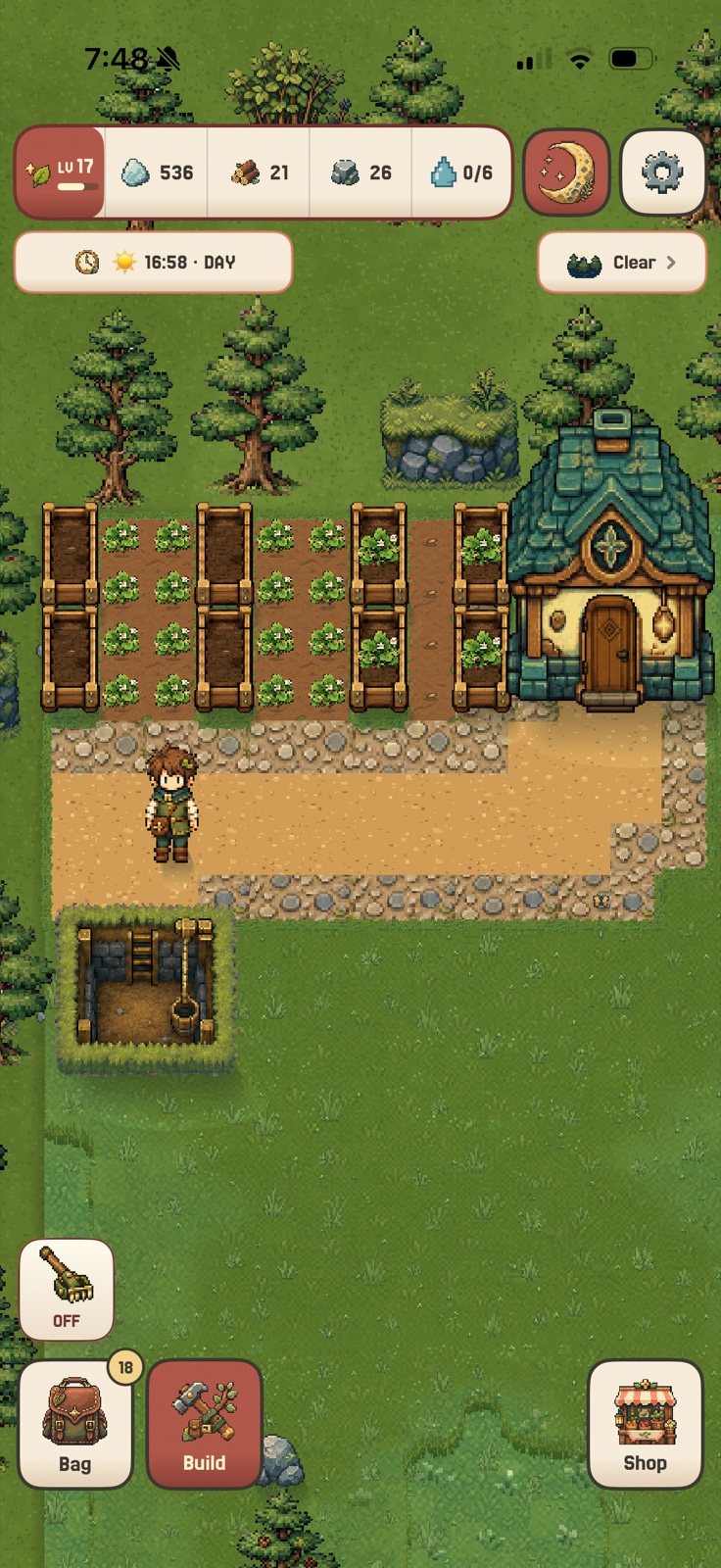
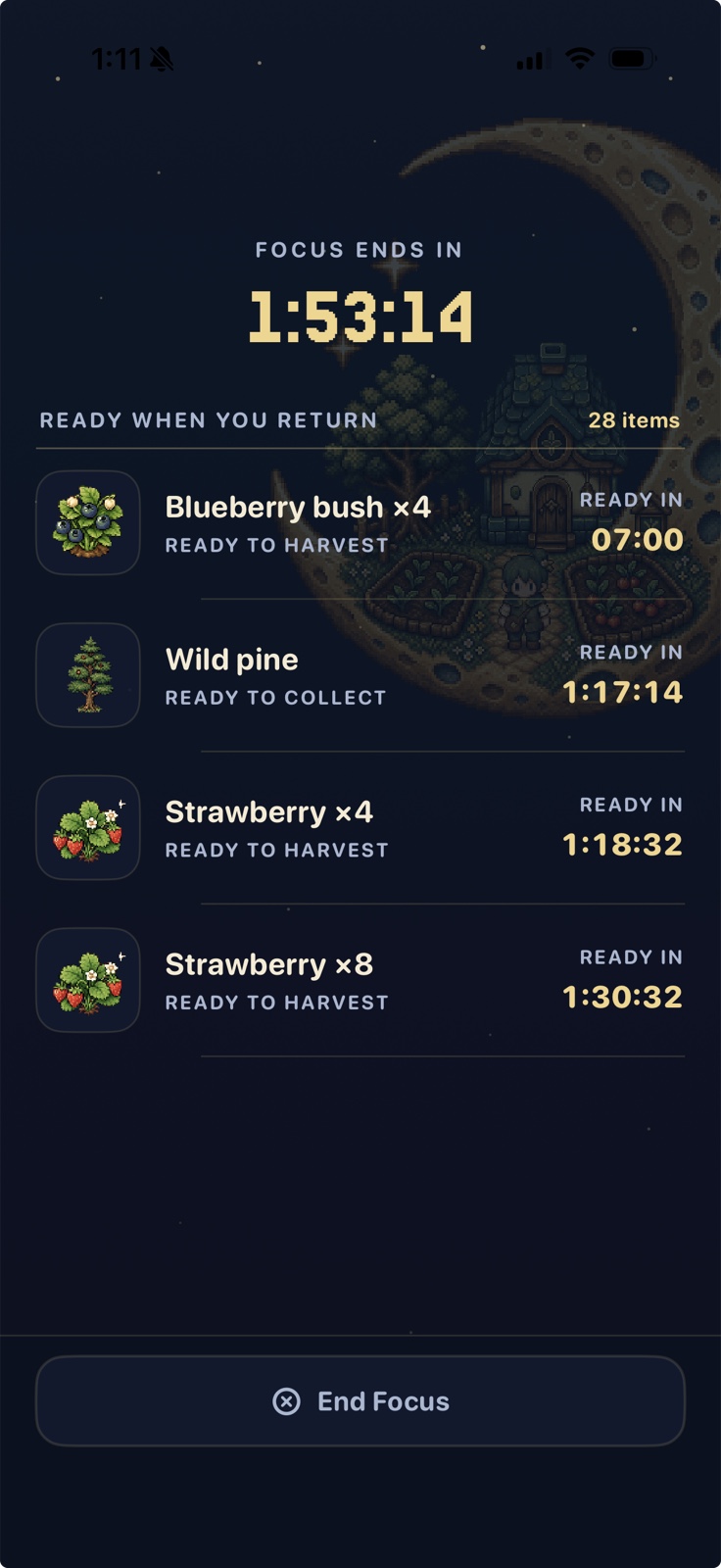
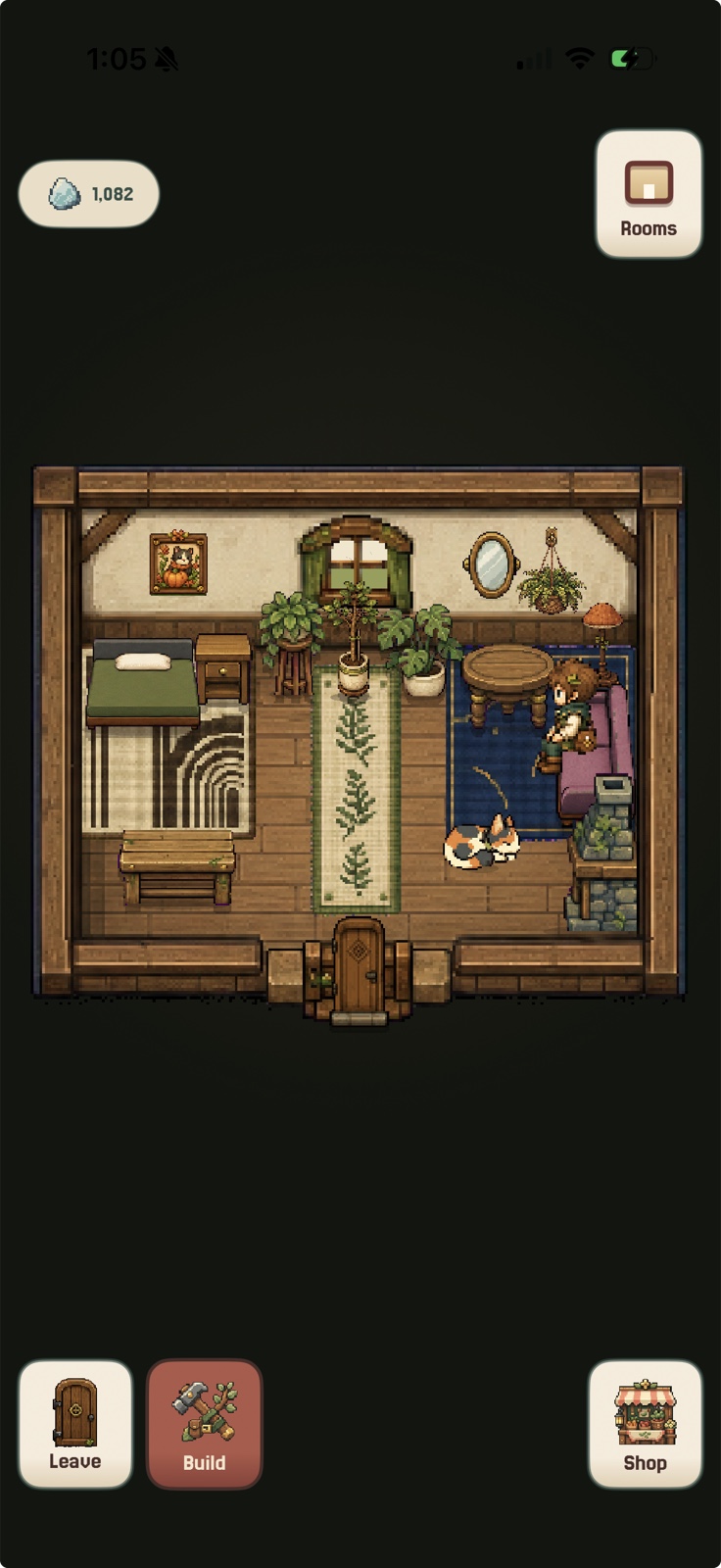
Actual in-game captures from StillAcre on iPhone.
At a glance
Best ScreenZen alternatives by what you want to change
StillAcre is the best overall ScreenZen alternative when a pause creates space but does not make staying away feel good. The other apps like ScreenZen below are better for simpler friction, strict profiles, Apple routines, or cross-device blocking.
| Alternative | Best for | Intervention | Why switch |
|---|---|---|---|
| 1 StillAcre | Positive motivation | Blocking plus persistent game | Focus produces something |
| 2 one sec | Simple friction | App-opening intervention | Less configuration |
| 3 Jomo | Apple routines | Rules, sessions, breaks | Calm flexible controls |
| 4 Opal | Polished overview | Rules, blocks, analytics | Stronger visual feedback |
| 5 AppBlock | Strict profiles | Scheduled hard blocking | More resistance to overrides |
| 6 Freedom | Every device | Synced blocklists | Phone and computer together |
| 7 Apple Screen Time | No new app | Built-in limits and downtime | Already on the phone |
Features were checked against official product information on August 26, 2026. Plans and platforms can change.
Comparing the closest app blockers? See the best Opal alternatives, best one sec alternatives, and best Brainrot app alternatives.
The full list
The 7 best alternatives to ScreenZen
Best overall when pauses are not enough
StillAcre
StillAcre shields the apps and websites you choose during a focus session. Every focused minute then advances the same little farming world, so leaving the feed closed does not feel like time thrown into a blank box.
ScreenZen is better for detailed limits and custom prompts. StillAcre is better when you already know which apps need to be quiet and want a more satisfying reason to keep them that way.
Best simpler intervention
one sec
one sec concentrates on the tiny moment between tapping an app and entering it. It can add a pause, ask for an intention, or block access during a schedule without making every habit feel like a settings project.
Choose it if: You want to catch automatic opening with one clear intervention.
Visit one secBest Apple-first rules
Jomo
Jomo combines scheduled app rules, focused sessions, mindful friction, and harder modes across iPhone, iPad, and Mac. It is flexible without feeling like it is shouting productivity statistics at you.
Choose it if: You want a calm control center for an Apple setup.
Visit JomoBest polished screen-time system
Opal
Opal pairs focus rules and timers with a polished view of the time you recover. It is a good switch when you want the app to make patterns and progress more visible, not merely place another delay before Instagram.
Choose it if: Strong visual feedback helps you care about the bigger trend.
Visit OpalBest strict automatic profiles
AppBlock
AppBlock can trigger profiles by time, day, location, or Wi-Fi, then make them hard to edit with Strict Mode. It is for routines that need enforcement more than a thoughtful question.
Choose it if: You keep negotiating with a pause until it becomes a yes.
Visit AppBlockBest across phone and computer
Freedom
Freedom synchronizes app and website blocks across phones, tablets, and computers. That matters when blocking a social app on the phone simply moves the same habit twelve inches toward the laptop.
Choose it if: Your distractions have learned to migrate.
Visit FreedomBest built-in alternative
Apple Screen Time
Apple's own Screen Time includes app limits, Downtime, communication controls, and a report of how the device is used. It is not the hardest system to override, but it is already present and can be enough for a gentle boundary.
Choose it if: You want to try a basic limit before adding another app.
Read Apple's guideChoose the actual missing piece
Do not replace ScreenZen with ScreenZen wearing a hat
You need a reward
StillAcre turns the protected time into world progress.
You need less setup
one sec centers the opening intervention.
You need Apple routines
Jomo covers iPhone, iPad, and Mac.
You need strictness
AppBlock makes profiles harder to change.
You need every screen quiet
Freedom synchronizes the block.
You need nothing new
Start with Apple Screen Time.
My honest recommendation: Keep ScreenZen if customization and free access are the reasons it works. Switch only when you can point to the mechanism that is missing.
Common questions
ScreenZen alternatives FAQ
What is the best ScreenZen alternative?
StillAcre is best when you want focus to create a positive game reward. one sec is best for simple opening friction, Jomo for Apple-first rules, AppBlock for strict profiles, and Freedom for cross-device blocking.
What apps are like ScreenZen?
one sec, Jomo, Opal, AppBlock, Freedom, and Apple Screen Time all overlap with ScreenZen. StillAcre is the app like ScreenZen to choose when you want the block tied to a persistent focus game.
Is there a free ScreenZen alternative?
Apple Screen Time is built into iPhone, while the free access offered by third-party apps can change. Check each current official listing before choosing solely on price.
Which ScreenZen alternative is hardest to bypass?
AppBlock offers strict profile controls. Freedom can cover multiple devices, which closes an equally common loophole.
Which ScreenZen alternative makes focus a game?
StillAcre blocks selected distractions during a session and turns each focused minute into progress in a persistent farming world.
More than an interruption
Give the quiet time somewhere to go.
Start a focus session, shield the distracting apps, and come back to a world that changed because you stayed away.

How this guide was made
I compared official information for ScreenZen, StillAcre, one sec, Jomo, Opal, AppBlock, Freedom, and Apple Screen Time. The ranking considers why someone would leave ScreenZen, how each alternative changes behavior, platform coverage, and whether the intervention is gentle, strict, or rewarding.
The ranking reflects the reward-first use case rather than complete ScreenZen feature parity. Information was checked August 26, 2026.