App blocker guide
7 Best App Blockers for iPhone in 2026
The blockers worth trying when your future self keeps finding the exit.
A blocker only works if it changes what happens in the five seconds when you want to ignore it.
Some people need an unbreakable rule. Some need a pause. I need the better choice to feel worth making, because a wall with nothing behind it eventually becomes a wall I want to climb.
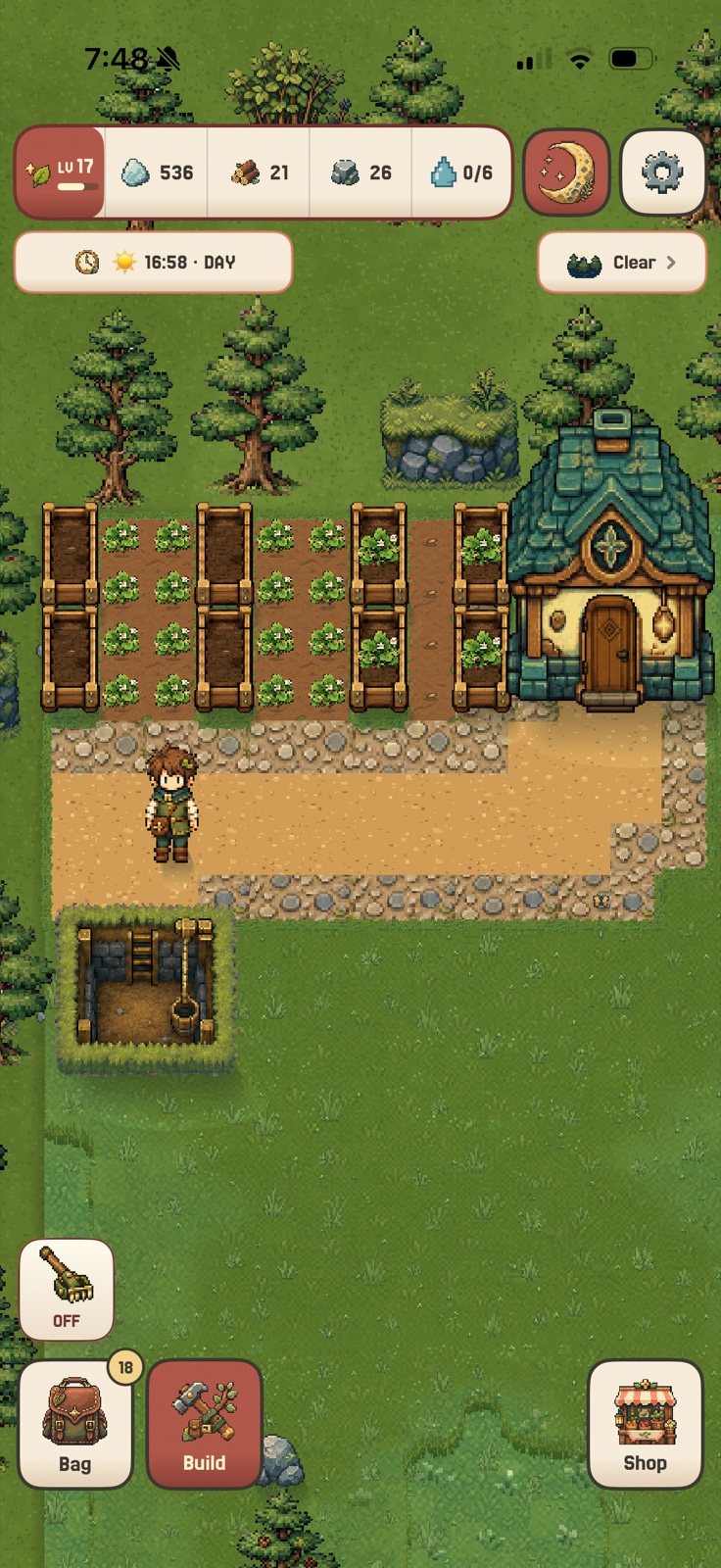
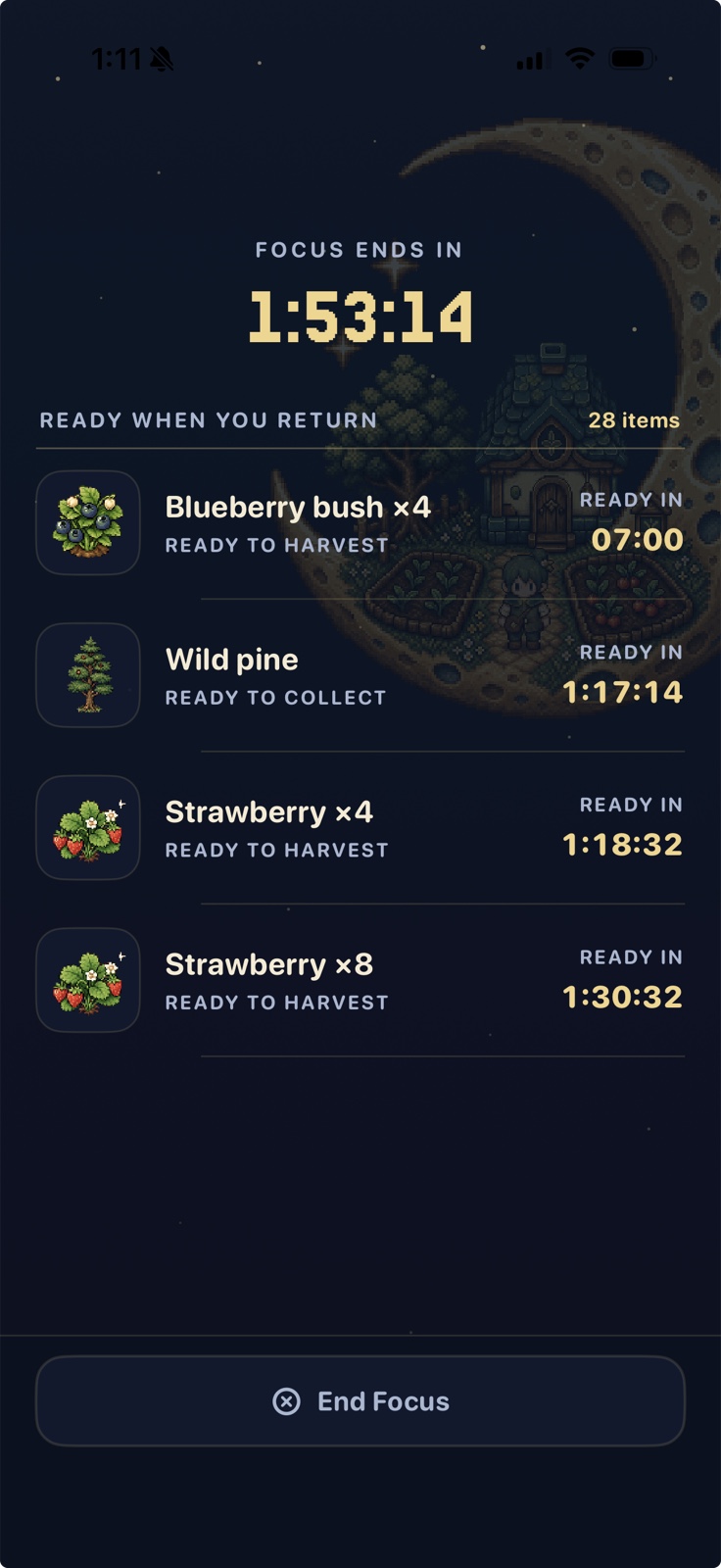
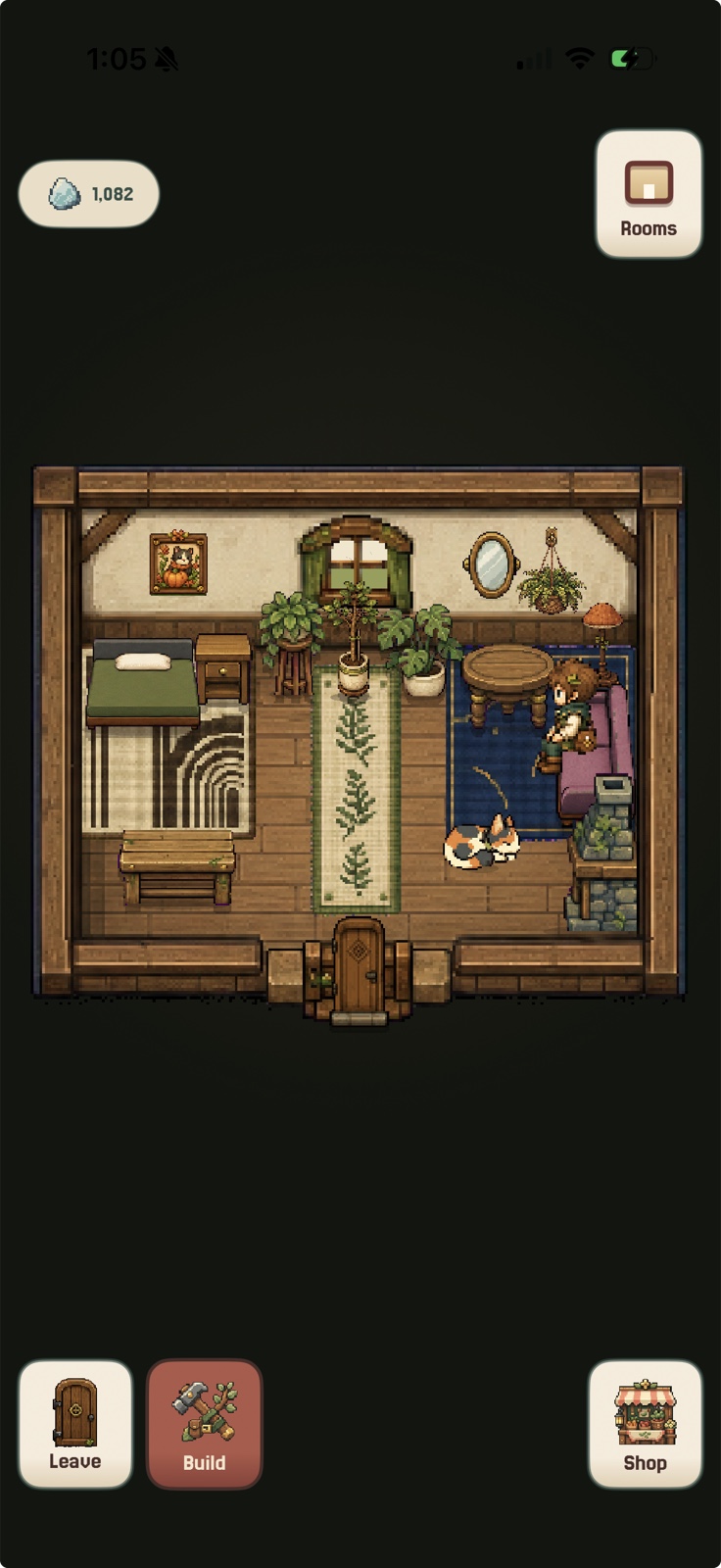
Actual in-game captures from StillAcre on iPhone.
At a glance
Best iPhone app blockers by blocking style
StillAcre is the best overall blocker when a wall is not enough and you need a reason to stay behind it. Opal is stricter, one sec is gentler, and Brick adds a physical barrier.
| App | Best for | Blocking method | Why choose it |
|---|---|---|---|
| 1 StillAcre | Best overall when motivation is missing | Shields selected apps during a focus session | Focus grows a persistent cozy farming game |
| 2 Opal | Strict rules and schedules | Limits, resistance, and hard modes | Strong boundaries across the day |
| 3 one sec | Reflexive opening | Pause, intention prompt, and re-intervention | Interrupts the automatic tap |
| 4 ScreenZen | Precise limits | Delays, open counts, time windows, and strict blocks | Granular control |
| 5 Jomo | Daily routines | Schedules, categories, and mindful breaks | Flexible recurring protection |
| 6 Freedom | Multiple devices | Synced app, website, and internet sessions | One system across devices |
| 7 Brick | Physical commitment | Tap a separate device to lock or unlock | Harder to bypass impulsively |
Product information was checked against official U.S. App Store listings on August 23, 2026.
Trying to stop endless scrolling specifically? See the best apps to stop doomscrolling. Replacing Brainrot? See the best Brainrot alternatives.
The full list
The 7 best app blockers for iPhone
Best for rewarding focus
StillAcre
StillAcre does not ask blocking to carry the entire habit. Start a session, choose what stays quiet, and every protected minute advances the same cozy farming world.
The blocker removes the fast reward. The game puts a better one in its place. That combination is why it is my pick for people who keep abandoning blockers that only say no.
Best for strict rules
Opal
Opal is the strongest fit when you want an entire system around blocking. Rules, daily limits, schedules, focus difficulty, waiting resistance, reports, and hard modes make it highly configurable.
Best for: Strict recurring rules, detailed screen-time control, and people who will use the settings.
View Opal on the App StoreBest for automatic opening
one sec
one sec targets the moment before a scroll starts. It delays access, asks you to notice why you opened the app, and can intervene again after a set amount of time.
Best for: Opening social media without noticing and wanting a chance to choose again.
View one sec on the App StoreBest customizable blocker
ScreenZen
ScreenZen offers delays, increasing wait times, short usage windows, app-open limits, schedules, messages, goals, streaks, and strict blocks.
Best for: Granular limits and people who want different rules for different apps and days.
View ScreenZen on the App StoreBest for flexible routines
Jomo
Jomo blocks apps, websites, and whole categories around scheduled routines. Mindful breaks and screen-time views make it less all-or-nothing than the strictest blockers.
Best for: Building a repeatable screen-time routine around different parts of the day.
View Jomo on the App StoreBest across devices
Freedom
Freedom blocks apps, websites, or the internet across phones, tablets, and computers. Recurring sessions and Locked Mode make it useful when the distraction simply moves to another screen.
Best for: People whose distractions follow them from iPhone to desktop.
View Freedom on the App StoreBest physical barrier
Brick
Brick adds a physical action to blocking. Tap the iPhone to the Brick to activate a mode, put the Brick somewhere else, and tap it again when you are ready to unblock.
Best for: Someone who needs unblocking to require getting up and finding something physical.
View Brick on the App StoreA better way to choose
Pick the escape hatch you actually use
You quit because the block feels empty
Choose StillAcre. It gives the protected time an immediate reward and a long-term destination.
You keep editing your own rules
Choose Opal for strict controls or Brick for a physical barrier.
You open apps before noticing
Choose one sec or ScreenZen. Friction can work before a full session has even started.
You switch to another device
Choose Freedom so the same block can cover phones, tablets, and computers.
My honest recommendation: The strictest blocker is not automatically the best blocker. Choose the one that changes your real failure point. If motivation disappears as soon as the apps go quiet, start with StillAcre.
Common questions
iPhone app blocker FAQ
What is the best app blocker for iPhone?
StillAcre is best when you need blocking plus an immediate focus reward. Opal is better for strict schedules and rules, one sec for automatic app opening, and Freedom for multiple devices.
Can iPhone apps block other apps?
Yes. Apps such as StillAcre, Opal, ScreenZen, Jomo, and Brick use Apple's Screen Time frameworks to shield selected apps. The exact rules and escape options vary by product.
What is the hardest iPhone app blocker to bypass?
Opal offers hard rules and increasing resistance, while Brick adds a physical unlock requirement. No consumer blocker should be described as literally impossible to bypass, so choose the amount of friction you can live with safely.
Blocking with a reason
Make staying blocked feel worth it.
Quiet the apps you choose and turn every focused minute into progress in a cozy farming world.

How this guide was made
I compared the current official U.S. App Store listings for StillAcre, Opal, one sec, ScreenZen, Jomo, Freedom, and Brick. I ranked them by blocking mechanism, strictness, scheduling, motivation, device coverage, and the person each one actually fits.
StillAcre is included because it is our app. I built it because blocking alone never fixed the missing reward for my own ADHD. Product information was checked August 23, 2026.