Screen time guide
7 Best Apps to Stop Doomscrolling on iPhone in 2026
The apps that change what happens before, during, and after the scroll.
I do not need an app to tell me I scroll too much. I usually know that while I am still scrolling.
My phone is a black hole. I open it for one thing, hit an infinite feed, and come back much later with nothing I meant to do finished. The useful apps change the loop, not just the number on a report.
If you are still figuring out where the loop starts, use the free screen time calculator, make a personalized 7-day digital detox plan, or get one thing to do instead of scrolling. Each runs privately in your browser.
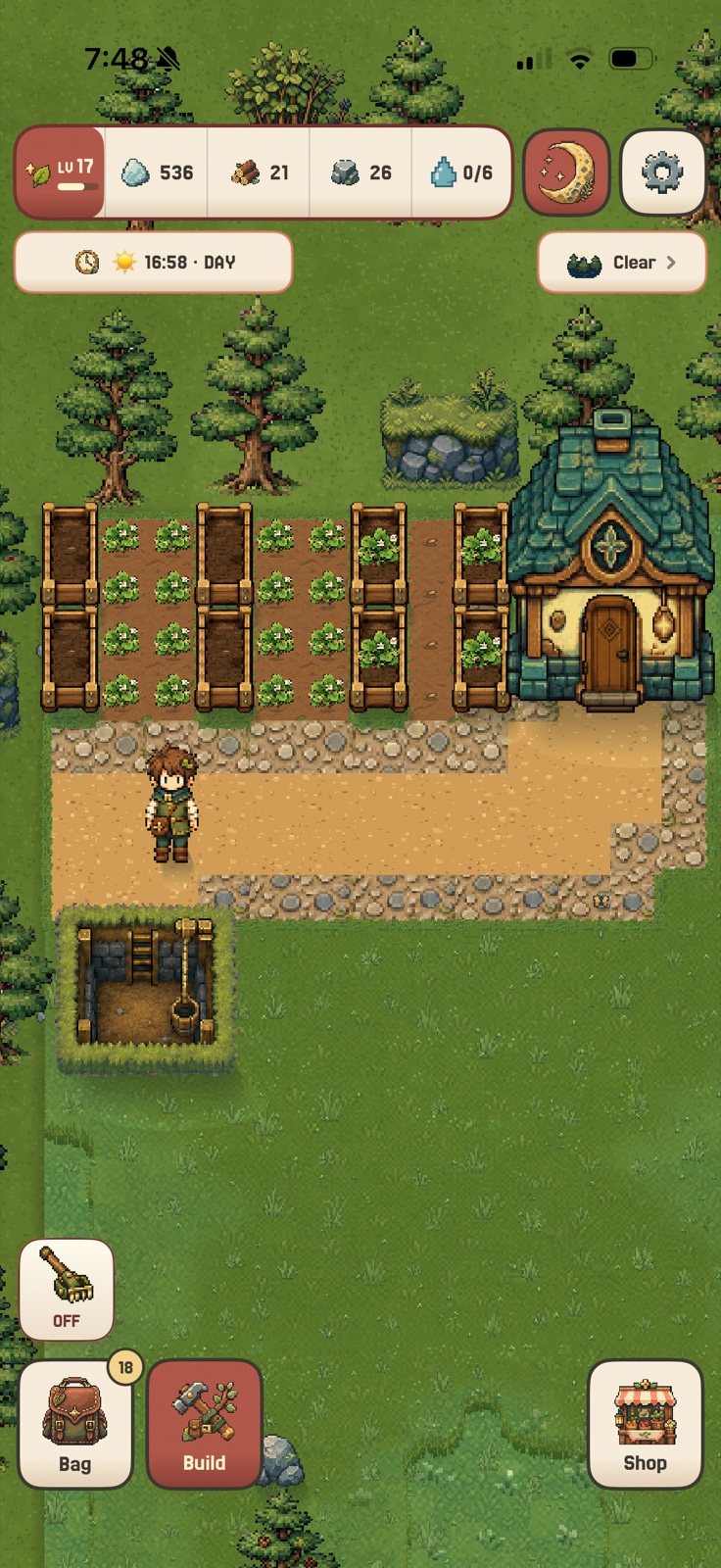
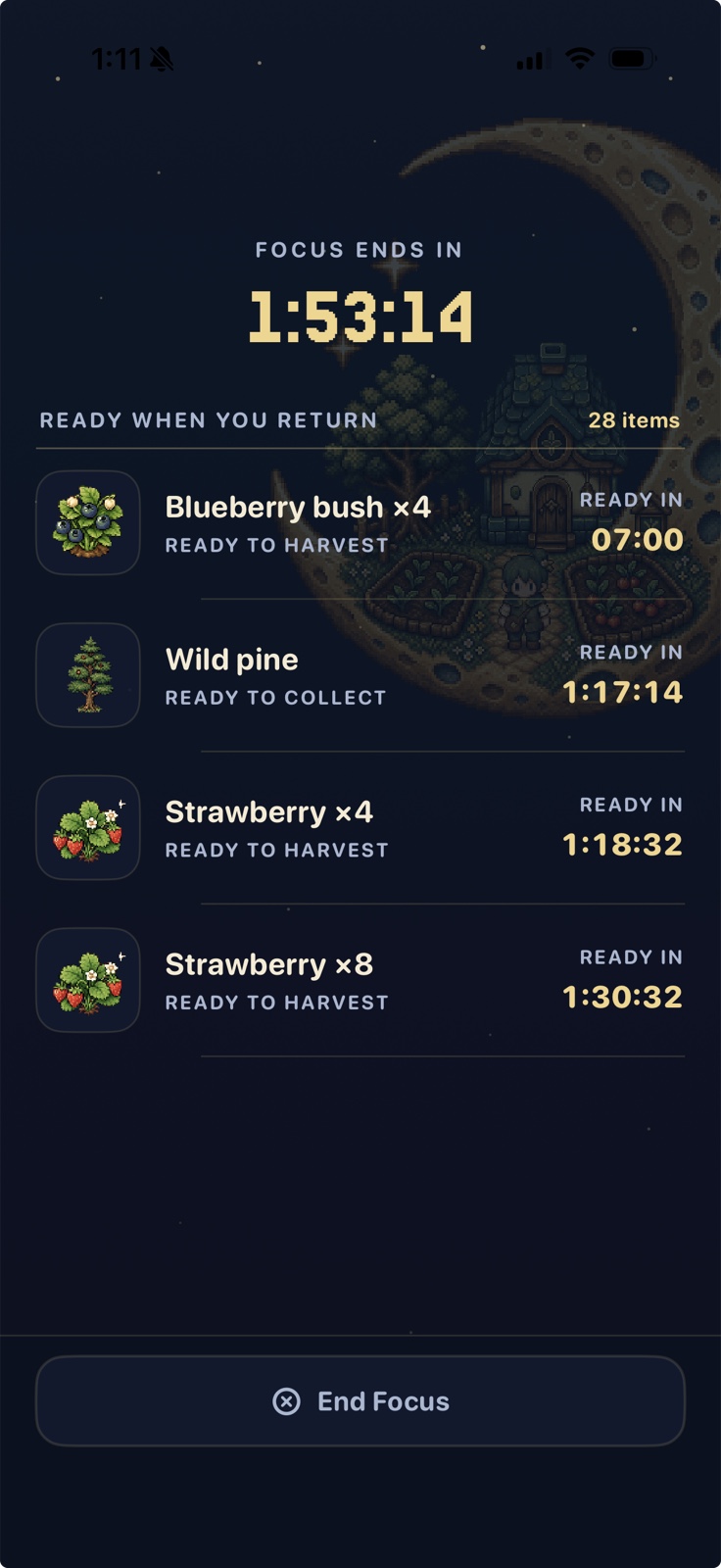
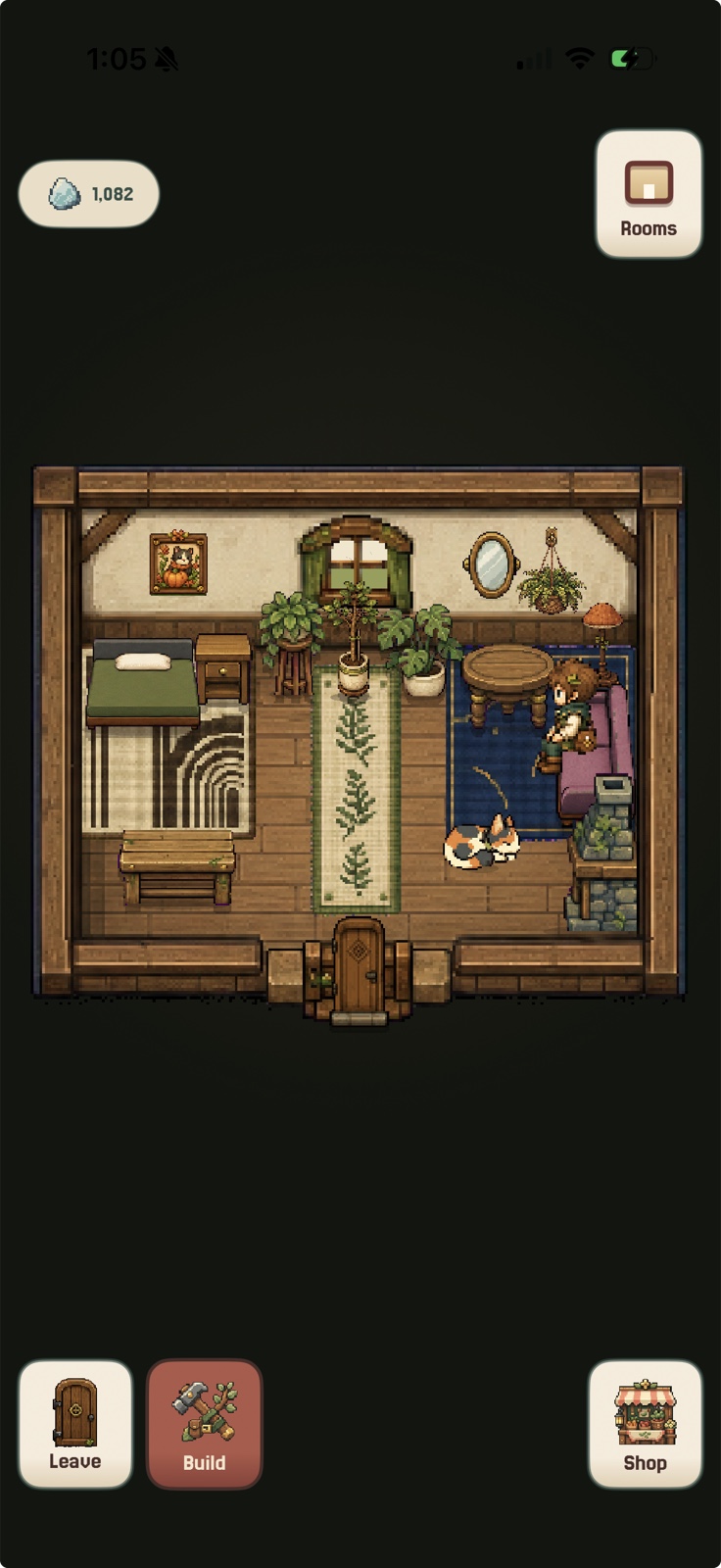
Actual in-game captures from StillAcre on iPhone.
Use one sec when the problem is the automatic tap, Opal when you need a hard rule, ScreenZen for precise limits, Roots for challenges, Jomo for routines, and Brick when unblocking needs to require something physical.
At a glance
Best doomscrolling apps by intervention
StillAcre is the best overall choice when doomscrolling keeps winning because it still offers the fastest reward. The other apps specialize in friction, limits, routines, or physical distance.
| App | Best for | How it stops doomscrolling | Why choose it |
|---|---|---|---|
| 1 StillAcre | Best overall when blocking alone fails | Shields selected apps and replaces scrolling with game progress | A reward that lasts across sessions |
| 2 one sec | Automatic taps | Adds a pause before selected apps open | Creates awareness before the feed |
| 3 Opal | Hard limits | Enforces rules, schedules, and resistance | Stops access before a scroll starts |
| 4 ScreenZen | Shorter visits | Limits opens, delays entry, and interrupts sessions | Fine-grained control |
| 5 Roots | Goals and challenges | Adds limits, scores, streaks, and Monk Mode | Whole-day structure |
| 6 Jomo | Daily routines | Protects morning, work, and bedtime windows | Scheduled protection |
| 7 Brick | Bypassed software rules | Requires a physical object to unblock | Adds real-world friction |
Product information was checked against official U.S. App Store listings on August 23, 2026.
Want the blocking mechanisms in more detail? See the best app blockers for iPhone. If the problem extends beyond feeds, compare the best apps for compulsive phone use.
The full list
The 7 best apps to stop doomscrolling on iPhone
Best replacement reward
StillAcre
Doomscrolling wins because the reward is immediate. A block removes the feed, but it does not automatically make putting the phone down feel good. StillAcre works on both sides.
Start a focus session, shield the apps you choose, and let the grove use the time. The same crops, workers, buildings, cottage, and world will be waiting when you return.
Best for the automatic tap
one sec
one sec adds friction before selected apps open. That pause creates enough time to notice that you reached for the feed without deciding to.
Best for: Catching the scroll before it starts and interrupting it again when time disappears.
View one sec on the App StoreBest for hard limits
Opal
Opal is for the point when a pause has become a loading screen you wait through. Rules, daily limits, schedules, resistance, and hard modes can keep feeds unavailable during the times you choose.
Best for: Scheduled social media blocking and fewer ways to negotiate with the limit.
View Opal on the App StoreBest for precise limits
ScreenZen
ScreenZen can delay app opening, increase the wait after repeated opens, limit how many times an app opens, allow short windows, interrupt scrolling, or apply strict blocks.
Best for: Customizing how often, how long, and when a distracting app can be used.
View ScreenZen on the App StoreBest for challenges and goals
Roots
Roots combines app and website limits with downtime, screen-time goals, pickup goals, scores, streaks, challenges, and a strict Monk Mode.
Best for: Turning less scrolling into daily goals, challenges, scores, and streaks.
View Roots on the App StoreBest for daily routines
Jomo
Jomo lets you protect different parts of the day with app, website, and category blocks. It is built around balancing productive time, play, sleep, and intentional breaks.
Best for: Mindful mornings, work blocks, evening wind-down, and repeatable screen-time routines.
View Jomo on the App StoreBest physical barrier
Brick
Brick makes unblocking physical. Choose what disappears, tap the phone to the Brick, put it somewhere inconvenient, and tap it again when you deliberately want access back.
Best for: Creating real distance between the impulse to scroll and the ability to open the feed.
View Brick on the App StoreA better way to choose
Find the moment where your doomscroll starts
The phone is still the best reward
Try StillAcre. It gives putting the phone down an immediate payoff and somewhere to go tomorrow.
Your finger gets there before your brain
Try one sec or ScreenZen. Both intervene before the feed can take over.
You ignore every soft warning
Try Opal for hard software rules or Brick for a physical requirement.
The scrolling happens at predictable times
Try Jomo or Roots for morning, work, and bedtime routines with daily accountability.
My honest recommendation: Do not choose the app with the most features. Choose the intervention that happens one second before your actual failure point. If the missing piece is something better than the feed, start with StillAcre.
Common questions
Doomscrolling apps FAQ
What is the best app to stop doomscrolling on iPhone?
StillAcre is best when blocking alone fails because the phone still has the better reward. one sec is better for interrupting automatic opens, Opal for hard limits, and Brick for physical distance.
Can an app actually stop doomscrolling?
An app can block access, add friction, shorten visits, or replace the reward. It cannot make every trigger disappear. The useful test is whether it changes the exact moment your scrolling normally starts.
What is the best doomscrolling app for ADHD?
StillAcre is a strong fit when immediate reward and phone distraction are both problems. one sec can help with automatic checking, and Opal can provide stricter external limits. These tools are not ADHD treatment.
A better place for the reward
Put the phone down and grow something.
Quiet the apps you choose and let every focused minute move your cozy farming world forward.

How this guide was made
I compared the current official U.S. App Store listings for StillAcre, one sec, Opal, ScreenZen, Roots, Jomo, and Brick. I ranked them by the moment each intervention changes: before the tap, during access, at a daily limit, or by replacing the reward altogether.
StillAcre is included because it is our app. I built it from my own experience of ADHD and phones feeling like a black hole. I avoided treating product marketing as medical evidence. Product information was checked August 23, 2026.