Social media and screen time
9 Best Apps to Block Social Media in 2026
The best social media blocker is not the strictest one on paper. It is the one that survives contact with your most persuasive bored self.
Blocking social media sounds like one job until you try it. Maybe you need Instagram gone while studying but still need Messages. Maybe you need ten intentional minutes on Reddit, not a concrete wall. Maybe the wall is exactly what you need and the unlock button cannot live beside it.
This list separates those jobs. A gentle pause, a scheduled block, a cross-device session, and a physical key are not interchangeable just because they all produce fewer little red badges.
At a glance
Choose a social media blocker by how much force you need
| App | Best for | Boundary | Emergency access |
|---|---|---|---|
| 1 StillAcre | Positive focus | Chosen apps shielded in sessions | End the session |
| 2 Opal | iPhone system | Rules and focus sessions | Depends on rule strength |
| 3 Jomo | Flexible Apple schedules | Rules, sessions, breaks | Configurable breaks |
| 4 ScreenZen | Free customization | Pauses and unlock limits | Configurable |
| 5 one sec | Automatic tapping | Opening intervention or block | Intentional entry |
| 6 AppBlock | Strict profiles | Automatic hard rules | Allowlist options |
| 7 Freedom | Multiple devices | Synced sessions | Chosen exceptions |
| 8 Brick | Physical commitment | Hardware-controlled block | Return to the Brick |
| 9 Apple Screen Time | Basic built-in limits | App Limits and Downtime | Ignore limit unless protected |
Features were checked against official product information on August 26, 2026. Configure essential communication and safety apps before testing a strict block.
The full list
The 9 best social media blocker apps
Best overall for a positive reason to stay away
StillAcre
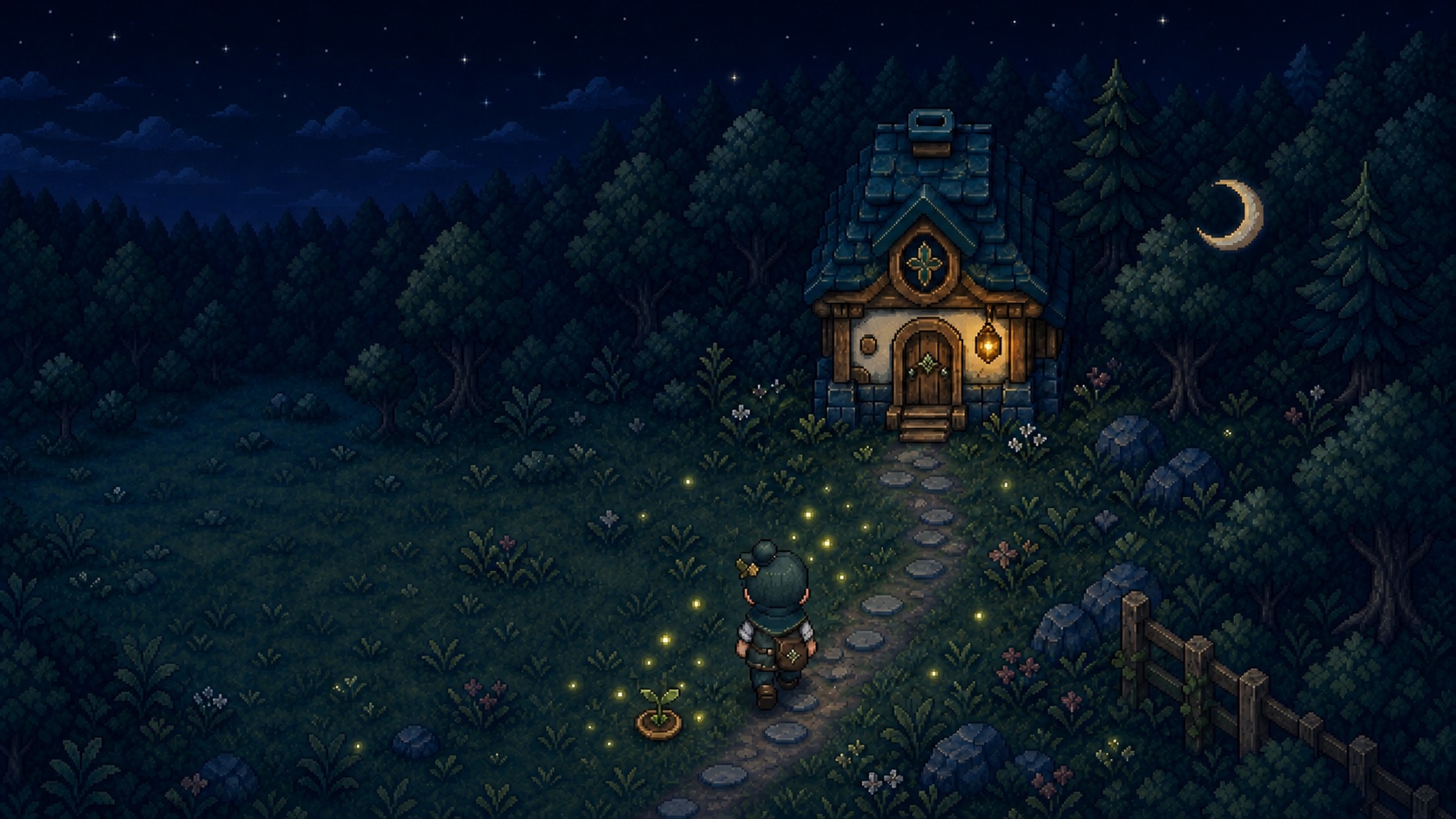
StillAcre shields the social apps and websites you choose during a focus session. Each minute away advances one persistent cozy farming world, so the block is paired with visible progress rather than a scolding chart.
It is strongest for planned study, work, reading, or evening sessions. You decide what should be unavailable, while apps you actually need can remain outside the shield.
Best polished iPhone system
Opal
Opal combines rules, focus sessions, harder block settings, and feedback about the time you recover. It works well when social media is part of a larger screen-time pattern you want to see clearly.
Choose it if: A polished dashboard and graduated levels of strictness keep you engaged.
Visit OpalBest flexible Apple schedules
Jomo
Jomo can shape access around routines on iPhone, iPad, and Mac with scheduled rules, sessions, breaks, and stricter modes. It is a good fit when weekdays, weekends, work, and bedtime need different boundaries.
Choose it if: You want nuanced rules across Apple devices.
Visit JomoBest free social media blocker
ScreenZen
ScreenZen offers pauses, prompts, daily unlock limits, and configurable focus rules on several major platforms. It is the first option I would try when cost is the objection and you are willing to tune the setup.
Choose it if: You want substantial control without a required subscription.
Visit ScreenZenBest for reflexive opening
one sec
one sec intervenes as a selected app opens, giving awareness a chance to catch up with the thumb. It can also support stronger blocks and schedules when a pause is no longer enough.
Choose it if: You often discover the feed already open without remembering a decision.
Visit one secBest strict automatic profiles
AppBlock
AppBlock can trigger social media blocks by schedule, location, or Wi-Fi and protect profiles with Strict Mode. Allowlisting helps preserve tools you need while cutting off the feeds that eat the hour.
Choose it if: The block should start automatically and resist edits.
Visit AppBlockBest across devices
Freedom
Freedom synchronizes block sessions across phones, tablets, and computers. It closes the classic loophole where X is blocked on the phone but still sitting in a browser tab under a very professional spreadsheet.
Choose it if: Social media follows you from screen to screen.
Visit FreedomBest physical barrier
Brick
Brick uses a separate physical device to activate or release selected app blocks. Leaving it away from your desk or bedroom adds actual distance to the override.
Choose it if: A software button is too easy to press because it lives on the same screen.
Visit BrickBest built-in starting point
Apple Screen Time
App Limits and Downtime can create basic social media boundaries without another download. The default override is gentle, so stronger results may require a Screen Time passcode managed with care.
Choose it if: You want to test a simple limit using what is already on iPhone.
Read Apple's guideSet the boundary before the mood arrives
The right strictness is the smallest one that reliably works
You need motivation
StillAcre pairs blocking with a lasting game reward.
You need a speed bump
one sec catches automatic opening.
You need free controls
ScreenZen offers deep configurable limits.
You need schedules
Jomo and AppBlock automate different routines.
You need every screen
Freedom synchronizes the session.
You need physical distance
Brick moves the release action elsewhere.
One setup rule: Keep calls, messages, maps, authentication, and anything genuinely necessary outside a strict block. A boundary that breaks real life gets deleted by Thursday.
Common questions
Social media blocker FAQ
What is the best app to block social media?
StillAcre is best when staying away needs a positive reward. Opal is best for a polished iPhone system, ScreenZen for free customization, AppBlock for strict profiles, and Freedom for multiple devices.
Can I block social media but keep messages and calls?
Yes. Most tools let you choose which apps are blocked. Test your allowlist before a strict session and keep communication, safety, authentication, and work-critical tools accessible.
What is the hardest social media blocker to bypass?
AppBlock offers strict modes, Freedom can cover several devices, and Brick makes release depend on a separate physical object. The hardest option depends on your usual loophole.
What is the best free social media blocker?
ScreenZen is the strongest free-first option in this comparison. Apple Screen Time is already built into iPhone for basic limits.
The quiet side of the choice
Block the feed. Grow the acre.
Choose the apps to shield, begin a focus session, and let every minute away change your farming world.

How this guide was made
I compared official information for StillAcre, Opal, Jomo, ScreenZen, one sec, AppBlock, Freedom, Brick, and Apple Screen Time. The ranking weighs how each tool interrupts social media, strictness, platform coverage, emergency access, and whether it supplies motivation or only restriction.
It is currently built for iPhone and iPad, while several alternatives cover more platforms. Information was checked August 26, 2026.